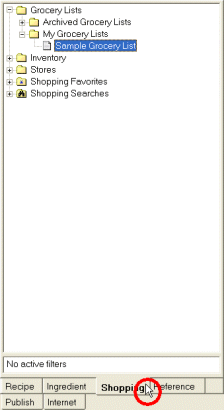
Grocery lists can be found in the Shopping Navigator.
Grocery lists are organized into grocery list folders. You can create new grocery lists and grocery list folders and organize them in a way that works best for you.
You can save links to your favorite grocery lists with the Favorites feature.
 Move
items to another grocery list
Move
items to another grocery list
Copy
items to another grocery list
Recalculate
grocery list costs
Process
a grocery list receipt